Charging basics
USB-C Charging Cable Guide
A USB-C cable does not charge anything by itself — it carries what the charger offers to the device that asks for it, within the limits of the wire. Three limits matter: current class, electronic marking, and length. Data speed is a fourth, separate property that has nothing to do with power.
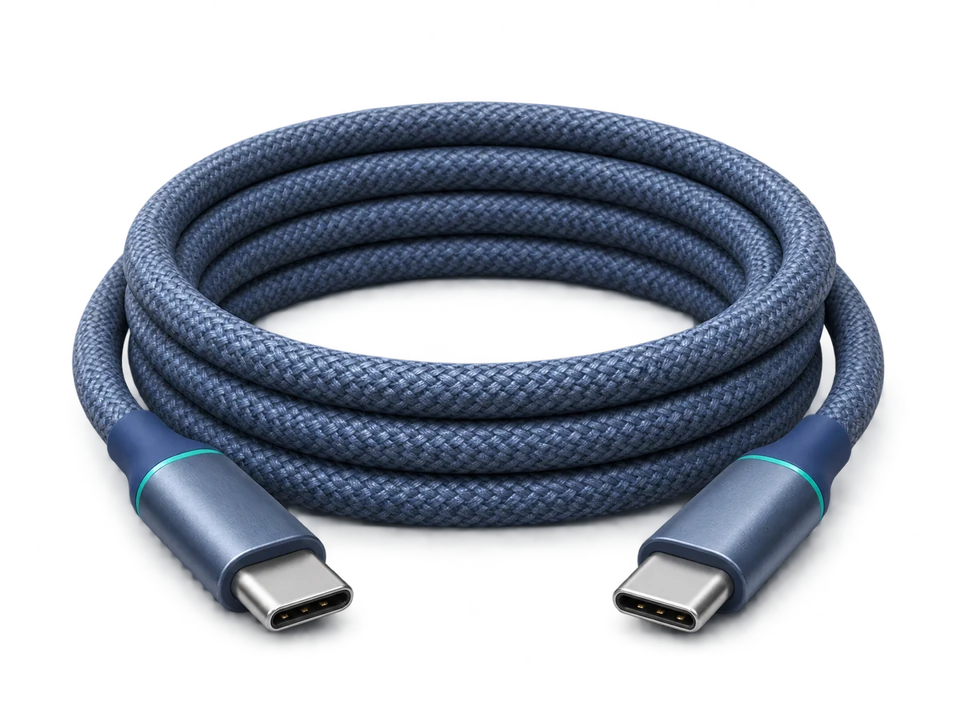
When a device charges slower than its charger allows, the cable is the cheapest part to test first. Chargers and devices negotiate power; the cable can refuse to carry it. Above 3 A, a cable without electronic marking caps the whole chain at the 60 W class no matter what the charger advertises.
Power classes, and where the 3 A line falls
| Class | Maximum power | E-Marker | What it means in practice |
|---|---|---|---|
| 3 A cable | Up to 60 W | Not required | 20 V × 3 A covers phones, tablets, and laptops up to about 60 W. An unmarked cable can legitimately live here — this is the class where "no marking" is not a defect. |
| 5 A cable | Up to 100 W | Required | Anything above 3 A must be electronically marked. Without the marker the charger is not permitted to offer more than 3 A, so a 100 W charger silently behaves as a 60 W one. |
| EPR cable | Up to 240 W | Required | Extended Power Range raises the voltage (to 48 V) rather than the current. It needs an EPR-capable charger and a cable marked for 240 W; a 100 W cable cannot substitute for it. |
Why 3 A is the dividing line
Below 3 A, the physics of a passive cable is enough on its own: the resistance of a normal wire is small enough that the voltage at the far end stays within tolerance. Above 3 A the same wire drops enough voltage that the safe assumption can no longer be made about how the cable was built, so the specification requires the cable to declare itself. The E-Marker is a small chip in the connector that tells both ends what the cable can carry.
That single rule explains most slow-charging complaints. A 100 W charger, a 100 W laptop and a random cable from a drawer: the charger offers 20 V at 5 A, the cable reports no marking, the negotiation falls back to 3 A, and everything charges at 60 W. Nothing is broken, and nothing in the charger's marketing is false either.
Data speed and power are independent
A USB 2.0 cable carries data at up to 480 Mbit/s. That says nothing about its power rating — cables sold as charging cables are often USB 2.0 for data and rated 100 W or 240 W for power. Conversely, a fast USB 3.2 cable is not automatically a high-power cable. The two properties are read separately off the same product, and a listing that advertises only one of them is telling you only half of the story.
Practical consequence: if you need both fast data and high power, both ratings have to be present. If you only charge, a USB 2.0 cable that is properly marked for the power is the cheaper and equally effective choice.
Length, resistance and the honest limit
Resistance rises with length, and a longer cable drops more voltage at the same current. Thin conductors and long runs lose more than short thick ones, which is why very long passive cables are the usual suspect when a device charges below its rating.
This site publishes no length-to-wattage formula, because no verified one exists. Length is reported as a factor to consider — recorded in the check below — never converted into a predicted wattage. A number produced that way would look precise and be invented.
What can be said plainly: keep high-power runs short where you have the choice, and treat an unusually long cheap cable as a possible ceiling rather than assuming the charger is at fault. Active or optical cables exist for long high-speed data runs; they are a data solution, and their power handling is a separate specification to check.
How to identify what a cable can do
- Read the marking on the cable or the connector shell. Look for a current or wattage figure — "5 A", "100 W", "240 W". A cable that prints nothing about power is, in practice, in the 3 A class at best.
- Check the packaging for the class, not for adjectives. "Fast charging cable" is not a rating. "100 W / 5 A" is.
- Look for certification marks. A USB-IF certified cable has been tested against the class it claims; the certification programme is run by the USB Implementers Forum and covers cable assemblies separately from the products they connect.
- Observe what the device reports. Many phones and laptops display the wattage actually negotiated. If a 100 W charger and a 100 W laptop negotiate 60 W, the cable is the first thing to change.
- Do not infer from the connector shape. Every USB-C cable looks identical. The difference is inside the cable and written on the outside, or nowhere.
Cable check
Enter what the device needs and what the cable claims. Nothing is calculated until the figures are valid.
No cable brands or models are recommended here. Markings differ within a single brand and within a single retail listing, so a specific recommendation would be out of date before it was useful. The classes and the labels are the durable part.
Three worked examples
| Setup | Result | Why |
|---|---|---|
| 65 W laptop, marked 100 W cable | Meets the target | The cable's class is above the device's need. Charging speed is still the laptop's decision. |
| 65 W laptop, unmarked cable | Limited to the 3 A class | No E-Marker, no permission to exceed 3 A. The ceiling becomes about 60 W regardless of the charger. |
| 100 W laptop, 60 W cable | Limited by the cable | The rating is below the target. The charger may negotiate a lower profile and the cable is the limiting part. |
In each case the useful next step is the same: read the cable's marking. It is cheaper than a new charger and it is the most common reason a high-power chain behaves like a low-power one.
What this page will not tell you
- That a cable is incompatible with a device. Below the rating the honest answer is that the cable limits the power, and above 240 W the honest answer is Needs verification.
- How many watts you will measure. Negotiated power depends on the device's request, temperature and battery state.
- Which cable to buy. No product links, prices or ratings anywhere on this site.
Related
- Charger wattage calculator — what the charger end of the chain can offer.
- Laptop and phone on one charger — where the cable sits alongside the port table.
- 65W vs 100W charger — whether the higher class changes anything for your devices.
- How we calculate — the method behind every check on this site.
Sources
- USB Implementers Forum — Cables and Connectors — the cable certification programme, the separate compliance documents for USB Type-C cable assemblies, and the requirement to consult the USB Power Delivery compliance plan for cables implemented with an E-Marker, and the rule that every USB-C to USB-C cable must already be labelled 60 W or 240 W before compliance testing, with the logo verified by the test lab and withdrawn if the cable fails. Accessed 9 November 2026.
- USB Power Delivery specification — 3 A as the current limit without electronic marking; EPR raising voltage to reach 240 W. Recorded in
docs/calculation-methods.md.
Method reviewed 9 November 2026. The cable classes are specification facts; the figures you enter are your own.